

What should you do if your keyless smart door lock stops recognizing your fingerprint
2026-04-10
A Keyless Smart Door Lock offers unmatched convenience and security, but like any technology, it can sometimes fail to recognize your fingerprint. When this happens with a Paramey Keyless Smart Door Lock, you are not locked out of options. Several simple troubleshooting steps can restore access quickly.
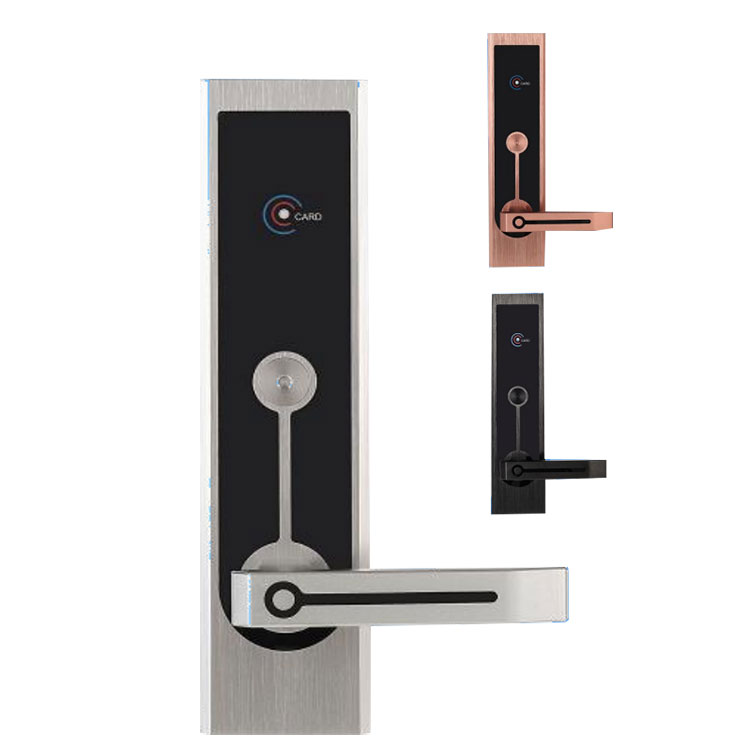
Step 1: Clean the fingerprint sensor
Dirt, oil, or moisture on the sensor is the most common cause. Use a soft dry cloth to gently wipe the Paramey sensor surface. Avoid liquids or abrasive materials.
Step 2: Check your finger condition
Dry, wet, scarred, or very dirty fingers may not scan well. Moisturize dry skin or dry off wet fingers before trying again.
Step 3: Re-enter your fingerprint
Most Keyless Smart Door Lock models allow multiple fingerprint profiles. Delete the problematic fingerprint and enroll it again following the manufacturer’s guide.
Step 4: Update firmware
Outdated firmware can cause recognition errors. Use the Paramey companion app to check for and install any available updates.
Step 5: Use backup access methods
While resolving the issue, use the mechanical key, backup passcode, or app control that comes with your Paramey Keyless Smart Door Lock.
Common causes and solutions table
| Cause | Solution |
|---|---|
| Dirty sensor | Clean with soft dry cloth |
| Dry or wet finger | Moisturize or dry finger |
| Scratched sensor | Contact Paramey support |
| Outdated firmware | Update via Paramey app |
| Incorrect finger placement | Center finger firmly on sensor |
Frequently Asked Questions about Keyless Smart Door Lock
Question 1: Can a Keyless Smart Door Lock work without Wi-Fi?
Yes, a Keyless Smart Door Lock like those from Paramey stores fingerprint and passcode data locally on the device. Wi-Fi is only needed for remote control, real-time notifications, and firmware updates. Without Wi-Fi, you can still unlock the door using your fingerprint, passcode, or physical key.
Question 2: How long does the battery last in a Keyless Smart Door Lock
Most Keyless Smart Door Lock models, including Paramey, have batteries that last between 6 to 12 months depending on usage frequency. The lock provides low battery warnings through beeps and app alerts weeks before the battery dies. Emergency power options like a USB port or 9V battery backup are also standard.
Question 3: Can someone else’s fingerprint accidentally unlock my Keyless Smart Door Lock
No, a quality Keyless Smart Door Lock uses high-resolution capacitive sensors that only recognize enrolled fingerprints. The chance of a false match is less than 0.001 percent with Paramey locks. Each fingerprint is stored as a unique mathematical template, not an actual image, making accidental unlocks virtually impossible.
Preventive tips for long-term reliability
-
Re-enroll your fingerprints every 6 months as skin patterns change slightly over time
-
Keep the sensor cover clean and avoid scratching it with keys or sharp objects
-
Register at least two different fingers for each user as a backup
-
Test your Paramey Keyless Smart Door Lock monthly using each registered finger
If none of these steps resolve the issue, the sensor hardware may be faulty. Paramey offers a one-year warranty and responsive customer service to handle such cases.
Contact us today for professional guidance on your Paramey Keyless Smart Door Lock. Visit our support page or email our team directly for fast troubleshooting, replacement parts, or warranty service. Secure your home with confidence.