

How to Set Up Temporary Access Codes on a Tuya App WiFi Smart Door Lock for Guests
2026-04-03
Managing visitor access is a key feature of a modern Tuya App WiFi Smart Door Lock. For homeowners using Paramey smart locks, the process is straightforward and secure. Temporary codes allow cleaners, dog walkers, or weekend guests to enter only during scheduled hours.
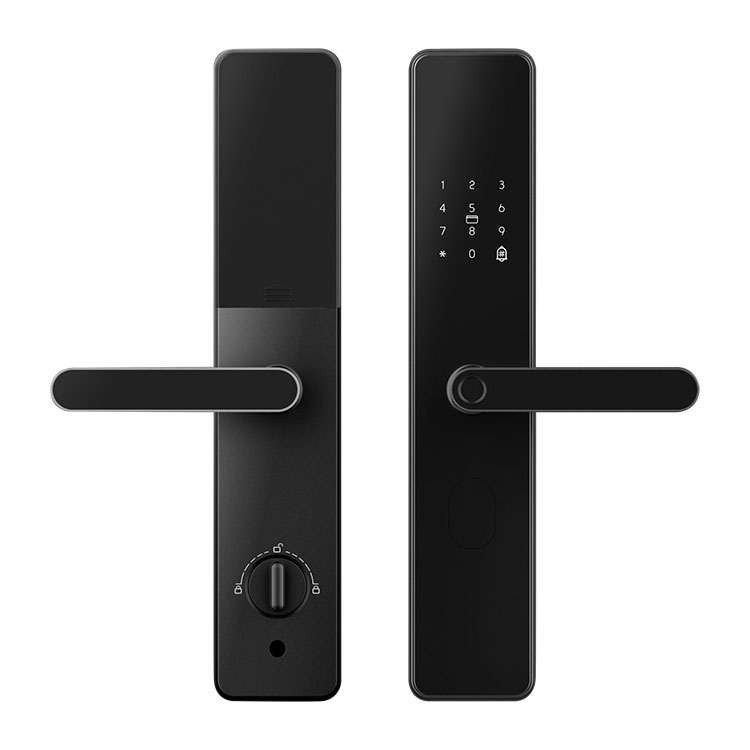
Step-by-Step Guide for Paramey Users
| Step | Action | Details |
|---|---|---|
| 1 | Open the Tuya App | Ensure your Paramey lock is online |
| 2 | Tap the lock icon | Select "Device Settings" |
| 3 | Choose "Temporary Passcodes" | Located under Access Management |
| 4 | Set validity period | Pick start and end time (e.g., 3 hours or specific dates) |
| 5 | Define usage limit | Set number of unlocks (1 to 99 times) |
| 6 | Share the code | Send via SMS, WhatsApp, or screenshot |
Best Practices for Temporary Codes
-
Use time-bound codes instead of deleting permanent users
-
Avoid sharing the same code with multiple guests
-
Review active codes weekly in the Tuya App
Tuya App WiFi Smart Door Lock FAQ
Q1: Can a temporary access code be revoked before it expires?
A1: Yes. Open the Tuya App, navigate to the passcode list under your Paramey lock, select the active temporary code, and tap "Delete" or "Revoke Immediately". The code stops working within 10 seconds, even if the guest has not used it. This is useful if a guest cancels or if a code is accidentally shared.
Q2: What happens if my Tuya App WiFi Smart Door Lock loses internet while a temporary code is active?
A2: The lock stores temporary codes locally. If WiFi goes down, the Paramey lock continues to accept the pre‑saved temporary code based on its internal clock. However, real‑time expiration checks (like remote deletion) require reconnection. To be safe, always set a usage limit (e.g., 1‑time use) for critical short‑term access.
Q3: How many temporary codes can I create at once on a Tuya App WiFi Smart Door Lock?
A3: Most Paramey models support up to 100 active temporary codes simultaneously. Once the limit is reached, you must delete old or expired codes before adding new ones. The Tuya App shows a warning when approaching 90% capacity. For heavy‑use scenarios like vacation rentals, review and purge codes weekly.
Why Choose Paramey for Guest Access
Paramey locks integrate seamlessly with the Tuya App, offering real‑time logs of every temporary code used. You will see who entered and at what exact time, giving full transparency for short‑term rentals or family visits.
Need help setting up your Paramey lock? Contact our support team via the Tuya App live chat or email [email protected] for a free remote configuration session within 24 hours.